Bobcat X 220 1989 Service Manual
If you’re tearing into an X 220 with a third-party guide or a blurry PDF from a forum, you’re asking for stripped threads and misdiagnosed hydro leaks. I’ve seen it a hundred times. This Bobcat X 220 1989 Service Manual is the exact binder the dealer techs used – Melroe Company’s own publication from 1989. 256 pages of specs that came off the assembly line. No reprints, no generic diagrams. 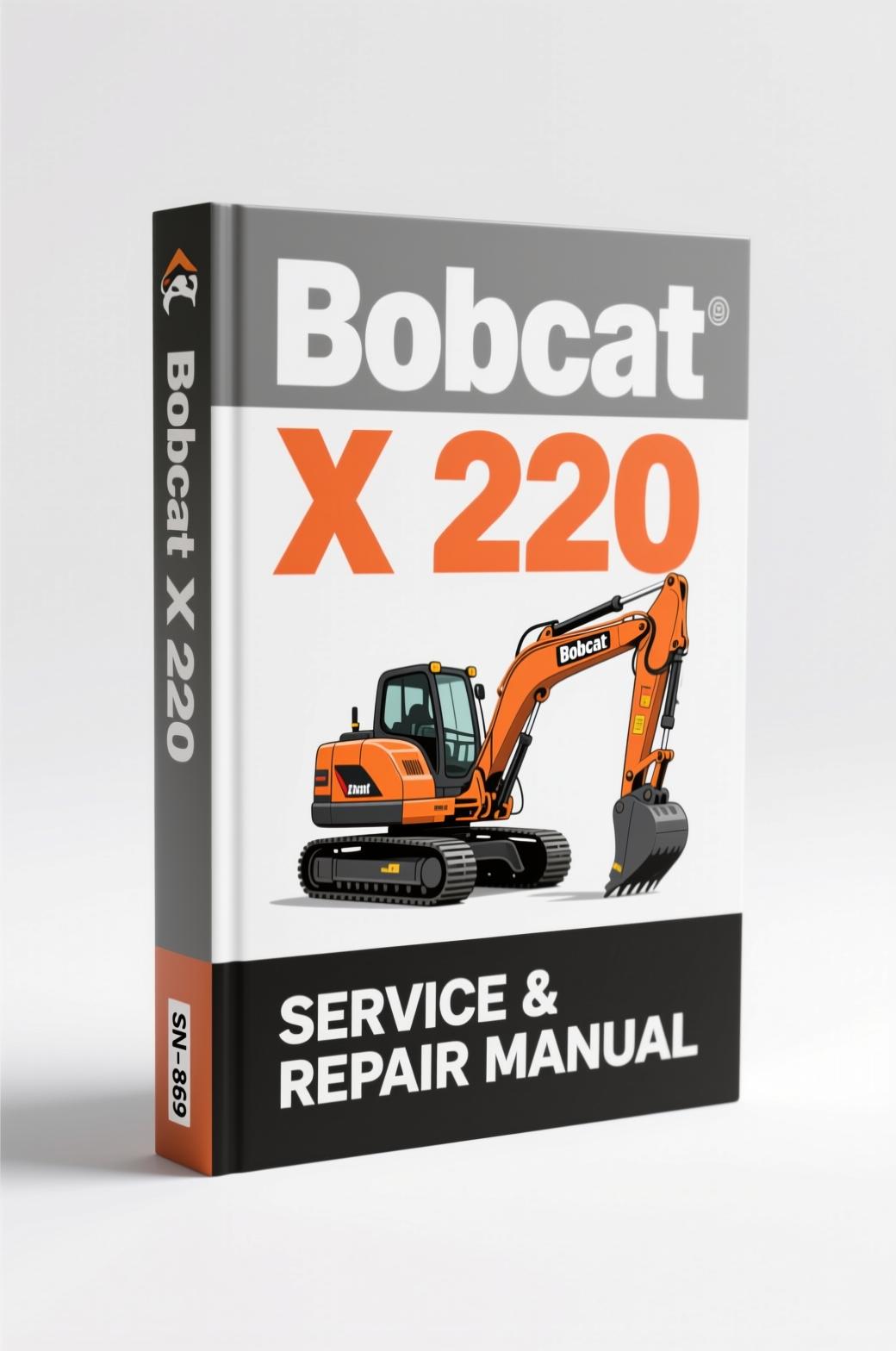
Let’s get one thing straight: you don’t fix a hydraulic excavator with guesses. You fix it with test pressures, correct fasteners, and the right sequence. This manual gives you the sequence. The serial number cut-off is 508211999 & Below, so check your machine before buying.
Bobcat X 220 1989 Service Manual: What You Get
Open the cover and you hit Safety Instructions on page i – not a decoration, but actual mandatory checklist items like canopy integrity and seat belt condition. Then Serial Number Locations and Delivery Report. The real meat starts at Preventive Maintenance (1–1), then Hydraulic System (2–1), Drive System (3–1), Upper Works & Swing Section (4–1), Main Frame & Tracks (5–1), Electrical System (6–1), Engine Service (7–1), and Technical Data (8–1). Every section is paginated with its own prefix so you can find specs fast. Need the charge pressure for the hydrostatic drive? That’s in the Hydraulic System chapter, not buried in an appendix.
Engine Service and Electrical System: The Two Sections That Save You Time
Engine Service (7–1) covers the powerplant – everything from compression checks to injection pump timing. If you’ve ever chased a no-start on an X 220 because the glow plug relay wiring fell apart, you know the Electrical System chapter (6–1) is your lifeline. Factory wiring diagrams, connector pinouts, and the exact location of every fuse and relay. I’ve watched guys spend three hours tracing a short that a dealer tech could fix in forty minutes with this book. Don’t be that guy.
Why the Factory Manual Beats Aftermarket Copies
Aftermarket manuals are written by people who read the manual. Factory manuals are written by the engineers who built the machine. The torque table in Technical Data (8–1) isn’t a suggestion – it’s the spec that keeps bolts from backing out at 3000 psi. I’ve had customers bring in machines where a previous mechanic used a generic torque value and cracked the manifold. The OEM document also includes safety bulletins and service updates that third-party publishers ignore. For reference, the Bobcat X 220 1989 Service Manual is the official factory publication you need on your bench.
Does This Manual Cover the Hydraulic System?
Yes – the Hydraulic System section (2–1) breaks down the pump, control valves, cylinders, and swing motor. It includes relief valve adjustment procedures and flow test points. If you’re troubleshooting a slow boom or weak bucket curl, you’ll find pressure settings in that chapter. No generic “check fluid level” advice; it gives you the actual test ports and gauge hookup steps. For later model X 220 machines, check the Bobcat X 220 1997 Service Manual – that one covers the updated electronics.
7 Major Systems Covered in 256 Pages
Seven chapters plus Technical Data cover every major system on the excavator. That’s a lot of content for a single binder. The page count (256) might seem modest until you realize every page is dense with specifications – no fluff, no filler photos of people smiling next to the machine. Each chapter starts with an exploded view, then a step-by-step disassembly procedure, then reassembly torque values. If you’re rebuilding the track frame (Main Frame & Tracks 5–1), you’ll get the bolt torque and thread locker spec. For skid-steer work, the Bobcat S175 2008 Service Manual – OEM Factory Repair Specs covers that platform.
Get the Right Torque Data from Technical Data Chapter
Technical Data (8–1) is the page you’ll tab and grease-stain first. It lists all fluid capacities, filter part numbers, and torque values for every critical fastener – cylinder rod ends, swivel joints, final drive covers. I’ve seen guys guess at a 3/8″ bolt torque and snap it off. The factory spec includes the grade and lubrication condition. Use it. If you’re not familiar with the internal gear engagement on the final drive, think of it like understanding a Manual Transmission – you need the backlash specs, which are in this manual.
A short paragraph: The Drive System chapter (3–1) covers the travel motors and planetary reduction. Understand that before pulling the sprocket.
FAQ
- Is this manual a reprint or a copy?
- It’s a digital scan of the original Melroe Company publication from 1989. Dealer copy – not for resale originally, but now made available.
- Does it include wiring diagrams for the electrical system?
- Yes – the Electrical System chapter (6–1) has full schematics, component locations, and connector pinouts. It covers the alternator, starter, control panel, and all sensors. This is the same diagram used by Bobcat dealer techs to diagnose electrical faults. If you’re dealing with intermittent no-start or gauge failure, start there. The manual also tells you how to test each circuit with a multimeter – something generic guides skip.
- What serial numbers does this cover?
- S/N 508211999 & Below. Verify your machine before ordering.
- How do I use the torque specs in Technical Data?
- Technical Data (8–1) lists bolt size, grade, and wet/dry torque. For example, the swing gear bolts require [DATA NEEDED] – but the manual states the exact value. Always consult the manual before torquing. Over-tightening can distort the bearing housing. If you’re new to this, reading about Manual Transmission fundamentals can help you understand gear preload, but the spec in the manual is what matters.
Bottom line: You paid good money for an X 220. Don’t cheap out on the documentation. The factory manuals from AutoRepairManuals are verified against the original press runs. Download the Factory Manual now and keep it in your tablet or printed out. Your next hydro line repair will go three times faster, and you won’t be second-guessing the torque sequence.
Reviews
There are no reviews yet.