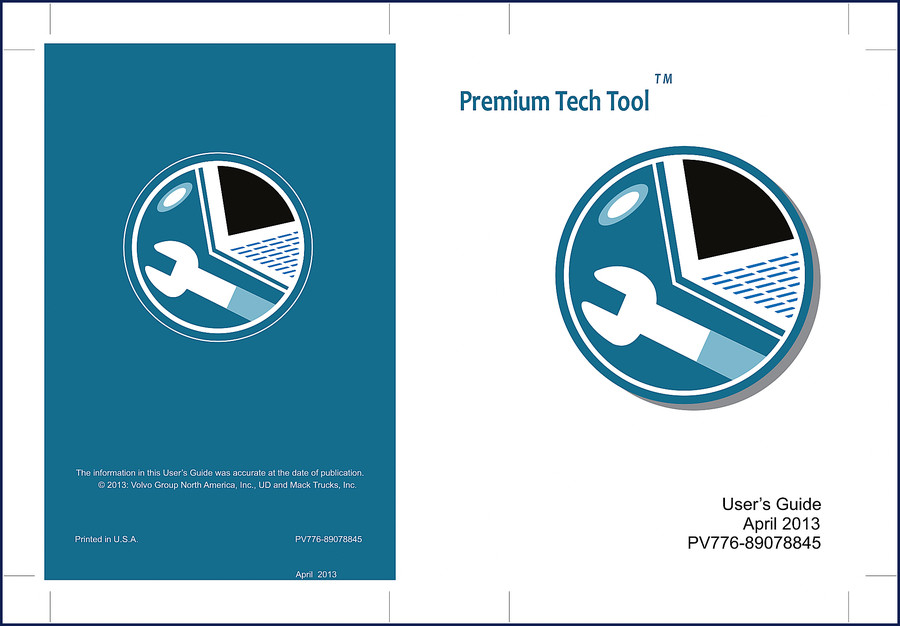
Volvo Penta UD, Mack Trucks 2013 User Manual
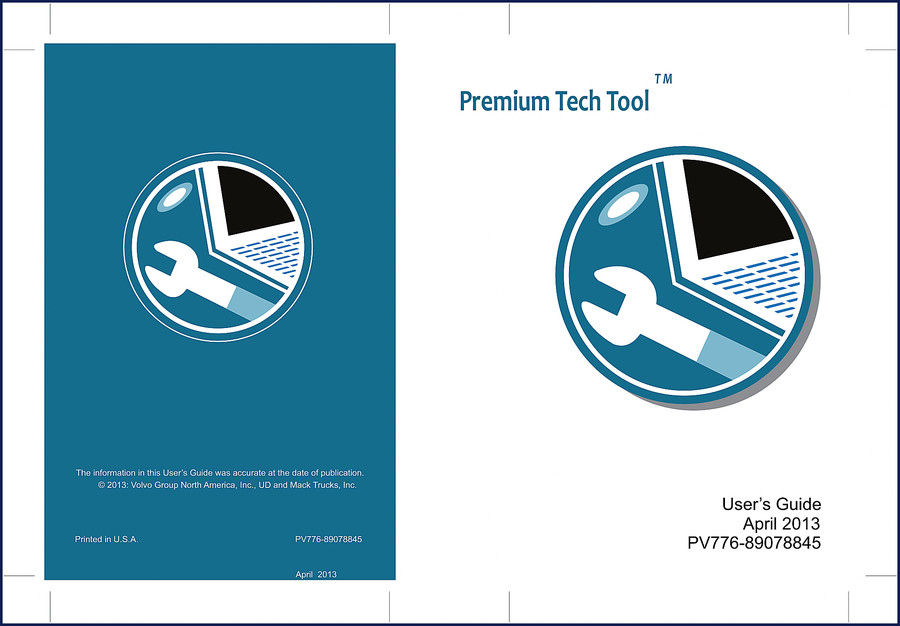
If you’re working on a Volvo Penta, UD, or Mack Trucks engine from 2013, you need the factory diagnostic software setup. I’ve seen guys waste half a day because they used a generic cable or skipped the driver installation. This 70-page Volvo Penta UD, Mack Trucks 2013 User Manual is the OEM guide – not a third-party reprint. It tells you exactly how to install Premium Tech Tool (PTT), configure the communication interface, and navigate the tabs. No guesswork.
Installation: Get the PTT Software Right
Page 4 walks you through installing on Windows XP; page 5 covers Windows 7. The manual doesn’t assume you know which CD or DVD to use – it separates the procedures. You’ll find the communication interface setup on page 3. Skip that, and the tool won’t talk to the ECU. I’ve pulled my hair out over techs who think they can just plug in a USB cable and go. That’s not how Volvo Penta or Mack Trucks work. This manual gives you the exact driver path and port settings.
System Requirements: Don’t Assume Your Laptop Works
The system requirements list is short but critical. You need a specific operating system, processor speed, and hard drive space. Page 3 covers it. If your laptop doesn’t meet the specs, PTT will lock up during the vehicle connection. I’ve seen that happen on a Mack truck in the bay – cost the shop two hours of diag time. The manual also tells you which Java version is required. Use the wrong one and the software won’t launch.
Communication Interface: Why VCADS or VCI Matters
The manual covers the VCADS and VCI adapters. It’s not just a generic diagram – it gives you pinouts and LED status codes. When the tool fails to connect, you go to page 44 and check the connectivity options. The manual explains how to connect to the vehicle and work offline, which is useful when the shop wifi is down. Related manuals like Volvo Penta MD5A 1975 User Manual – OEM Factory Specs and VOLVO PENTA MD7A, MD7A/110S 1980 Owner’s Manual cover older engines, but this one focuses on the 2013 diagnostic platform.
Premium Tech Tool Tabs: Diagnost, Configuration, and More
Page 48 shows the PTT tabs: Diagnost, Configuration, and others. Each tab has specific functions. The manual describes how to log on, change the static password (page 42), and set up administrative software (page 25). If you’re using this on a UD truck, the Diagnost tab lets you read fault codes and perform parameter settings. For Mack Trucks, you might need the connectivity option on page 43. Don’t skip the section on client updates (CLUP) on page 15 – without it, the software won’t recognize newer ECUs. I’ve seen that bite guys who buy a used copy of PTT.
3 Reasons to Use the Factory Manual
First, the manual is printed in the USA by Volvo Group North America. It’s not a scan of a scan. Second, the wiring and communication protocols match the actual 2013 hardware – aftermarket guides often guess at pinouts. Third, the installation sequence is tested. You can’t get that from a forum post. If you’re also working on a VOLVO VN VHD 2004 Operator’s Manual you’ll see the same OEM rigor. For general transmission diagnostics, refer to Manual Transmission and Manual Transmission resources, but always use the factory manual for the specific model year.
FAQ
- Does this manual include engine torque specifications?
- No. This is a user manual for the Premium Tech Tool diagnostic software, not an engine repair manual.
- Which operating systems are supported for PTT installation?
- The system requirements on page 3 specify Windows XP and Windows 7. The manual walks through both installation procedures in detail – including driver setup, client update (CLUP) settings on page 15, and the static password configuration on page 42. Make sure your laptop meets the minimum processor and RAM specs before you start; otherwise the software will hang during the vehicle connection step. I’ve seen techs ignore this and lose half a morning reinstalling.
You’ve got the OEM guide that the factory techs used. You can download the factory manual directly from AutoRepairManuals and get the exact same 70 pages, including the PV776-89078845 part number. No reprints, no copy-paste jobs – just the original 2013 PDF. Download the Factory Manual today and stop guessing.


James L. –
I am very pleased with this purchase. Immediate link after checkout. A must-have for any Volvo Penta UD, owner doing maintenance. Saves me so much dollars.
John D. –
This is just what I was looking for. The text is searchable and easy to navigate. Contains precise wiring diagrams for Volvo Penta. Saved my weekend project! Thanks.